Saturday, October 16, 2010
Sweet Twilight
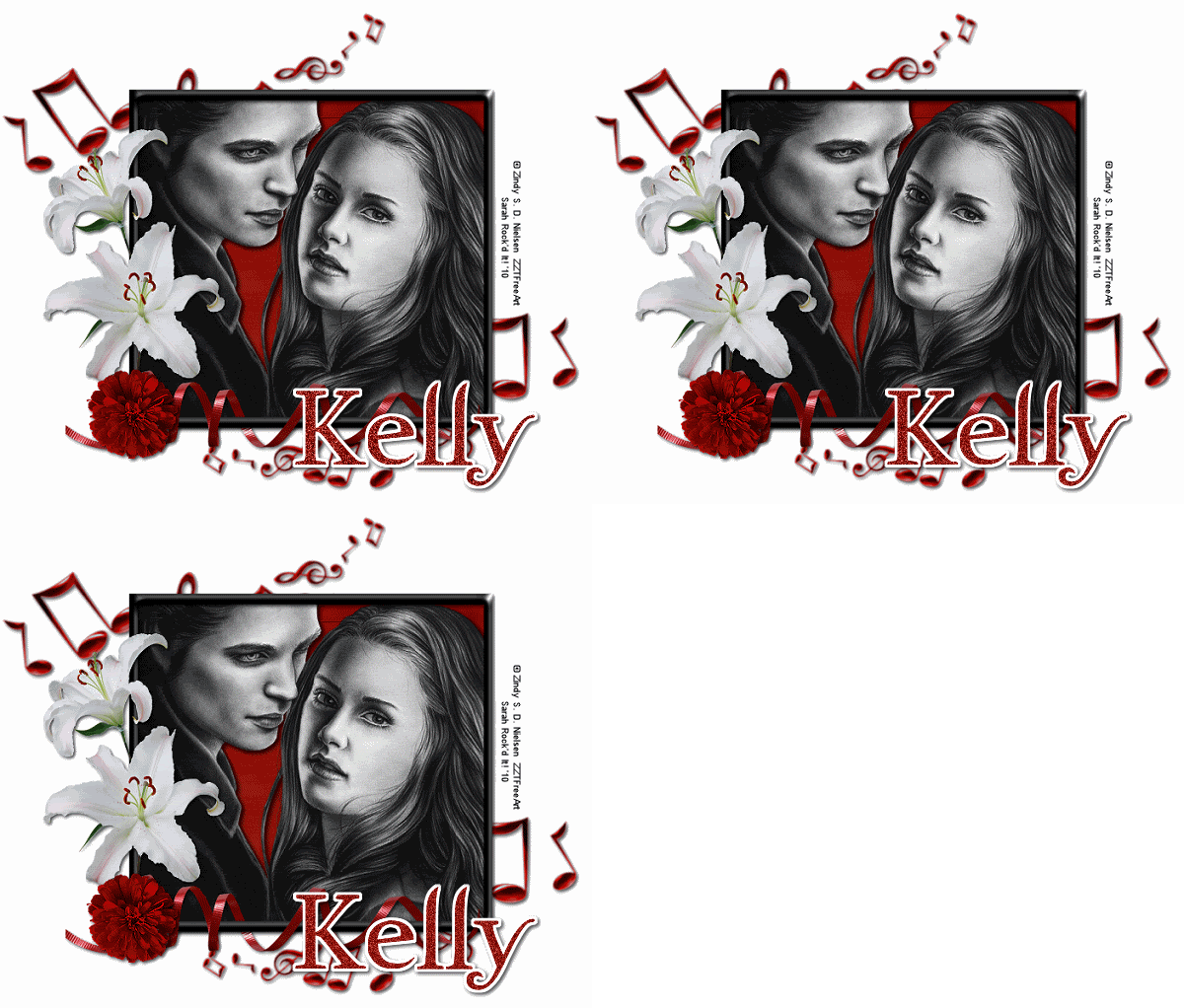
For this tutorial, you’ll need a working knowledge of PSP.
I’m using PSP 9 but any version should work.
This tutorial is my own and any resemblance to any other is purely coincidental.
Supplies for this tutorial:
PSP (any version)
Scrap kit of choice.
I’m using the PTU kit: Twilight from Angel’s Designz.
You can get her kits here: http://angelsdesignz.blogspot.com/
Tube of choice: I’m using the wonderful work of Zindy Nielsen.
This is a freebie tube I got on the site.
You can find these tubes here: http://zindy-zone.dk/
Let’s begin!
Open a new canvas-I use 800x600 & resize when im done.
Using your rectangle tool, make your foreground black and background null.
Your line width should be about 14.
Draw out your rectangle.-Convert to raster.
Effects-3D Effects-And do an inner bevel.
Select a ribbon from your kit. Edit-Copy
Go to your canvas and paste as new layer.
Make any adjustments you need & add your drop shadow.
Next, choose a flower from your kit. I used flower 2. Edit copy.
Go back to your canvas & paste on top of your ribbon layer.
Resize & adjust to your liking then add your drop shadow.
Choose another flower from your kit (I picked the lilies) Edit-Copy
Go back to your canvas & paste under your first flower but over your ribbon layer.
Resize and adjust as needed and drop shadow.
Go to your kit and choose the musical notes. Edit-Copy
Paste into your canvas behind your frame.
Adjust & resize as desired-Duplicate these and mirror
Move to the bottom right hand corner-Add drop shadow
Choose a paper for your kit that you want as the background in your frame.
Edit-Copy
Use your magic wand to click inside the frame
Selections-Modify-Expand by 3
Add new raster layer & Paste INTO selection
Move this layer below your frame layer
Add a drop shadow to your frame layer.
Select your tube-Copy & paste into your canvas.
Position and crop as needed.
Add your drop shadow.
Using your rectangle selection tool, crop the canvas down and resize to where you want it.
Add your Name & copyright info.-Merge all--We are going to add some glitter!
Duplicate your tag 2 times. (You should have 3 layers.)
Use your magic wand to select where you want your glitter. I’m doing the name.
Select your top layer.
Adjust-Add noise-Gaussian-Monochrome-Noise 35%-OK
Select the second layer-Adjust-Add noise-Same settings except change it to 45%
Select third layer-Adjust-Add noise-Same settings except change to 55%
Save as Animation shop image.
Open in Animation shop & save as a GIF file & you’re finished!
Hope you enjoyed this tut. Feel free to send me anything you make with it or email me with questions!
Thursday, October 14, 2010
Gorjuss Snow Princess.
I know it's only October but I love the snow!! When i lived in Montana, we got our first snow October 5th last year..lOl..I must say, I miss it!! SoOo I did this tut with a fabulous kit from Tammy's Scraps.
Thanks so much Tammy! This kit is awesome!!
Please keep in mind this is my FIRST tut with animation!
If you have any questions, please don't hesitate to Email me!

For this tutorial, you’ll need a working knowledge of PSP.
I’m using PSP 9 but any version should work.
This tutorial is my own and any resemblance to any other is purely coincidental.
Supplies for this tutorial:
PSP (any version)
Scrap kit of choice.
I’m using the PTU kit: Snow Princess
You can get her kits here: http://www.scrappetizing.com/store/
Be sure to check out her blog: http://tammysscraps.blogspot.com/
Tube of choice: By Suzanne Woolcott
You MUST have a license to use her work. Don’t use her tubes without a license!
You can find them here: http://gorjussart.com/store
Plug-in VanDerLee Snowflakes: http://www.vanderlee.com/plugins_snowflakes_download.html
Let’s begin!
Open a new canvas: 800x800 (you can crop and resize later)
Use your rectangle tool-Foreground -your color of choice, background- null.
Draw out a rectangle with the width set at 23. Convert this rectangle to raster level.
Effects>3D effects>Inner bevel with these settings:
Smoothness:30 Angle:45
Depth:6 Intensity:50
Ambience:31 Elevation:30
Shininess:19
Using your magic wand, click INSIDE the rectangle.
Selections>Modify>Expand by 3
Add new layer
Select a paper from your kit. I used paper 15
Edit>Copy
Go back to the layer you just added-Edit>Paste INTO selection.
Move paper layer UNDER your rectangle layer.
Deselect & add drop shadow of your choice to your rectangle layer.
Select the Christmas lights from your kit. Resize ( I used my raster deform tool)
And place on the bottom of your frame.-Add your drop shadow.
Select a bow from your kit-Paste into your canvas and resize to your liking
& place in the upper left corner of your frame. Add drop shadow
Select princess flower3 from your kit. Copy & paste into your canvas.
Resize and move to the left side of your frame. Add drop shadow
Select princess flower2 from the kit. Copy & paste into your canvas.
Resize and place on top of your first set of flowers-Add your drop shadow.
Copy and paste element Rudolf1 into your canvas.
Resize and move to the lower right hand corner or your frame.
Add your drop shadow.
Select your tube/Copy. Click on your paper layer.
Edit>Paste as new layer.
Add drop shadow to your tube layer.
Select your frame layer>Duplicate--Move this duplicated layer UNDER your tube layer.
Go back to your original frame layer and erase any parts of the frame covering your tube.
Now duplicate your tube layer & move it under your original tube layer.
Move it to the left--Parts of it may hang out of the sides and bottom but that’s ok
Delete anything hanging out.
Now duplicate this layer. Change the blend mode to screen. Merge down.
And change the opacity to 65.
Duplicate this layer>Image>Mirror
Adjust the position of the tube if needed.
--Now--
Merge your two copies of your tube down then merge this layer with your tubes down.
Then merge this layer down . (Your copied tubes & the original frame & paper should all be one layer now.
Make this layer inactive (Click on the little eye)
Add your copyright & any name/text you want on it.
Merge VISIBLE.
This is the time you need to crop your tag. & resize to where you want it when it’s finished.
We’re going to animate!
Select your bottom layer>Select All>Float>defloat
Kepp selected!! Add new raster layer
Using your VanDerLee Snowflakes plug-in use Hardness 130 & the rest as the default settings
Delete any snow on your frame.
Select none.
Merge all-Copy-Paste into Animation shop
Go back to PSP-Undo until there are no snowflakes on your tag
Do the same steps two more times, except hit your random seed a couple of times on your snowflakes
Paste each of your new frames into animation shop-AFTER current frame.
Change your animation settings to 18
Save as .GIF and you’re done.
Hope you got all of that..LOL..I’m still new & this is my first animated tut.
Any questions, feel free to email me!
Tuesday, October 12, 2010
Frame Freebie

Monday, October 11, 2010
A couple more tags
I've been a little busy this evening!
I made a couple more tags with two of Kelly's older kits.
They are awsome and I'm sure you will love them!!
Check out her blog HERE for all info on where you can snag her kits as well as her freebies!!
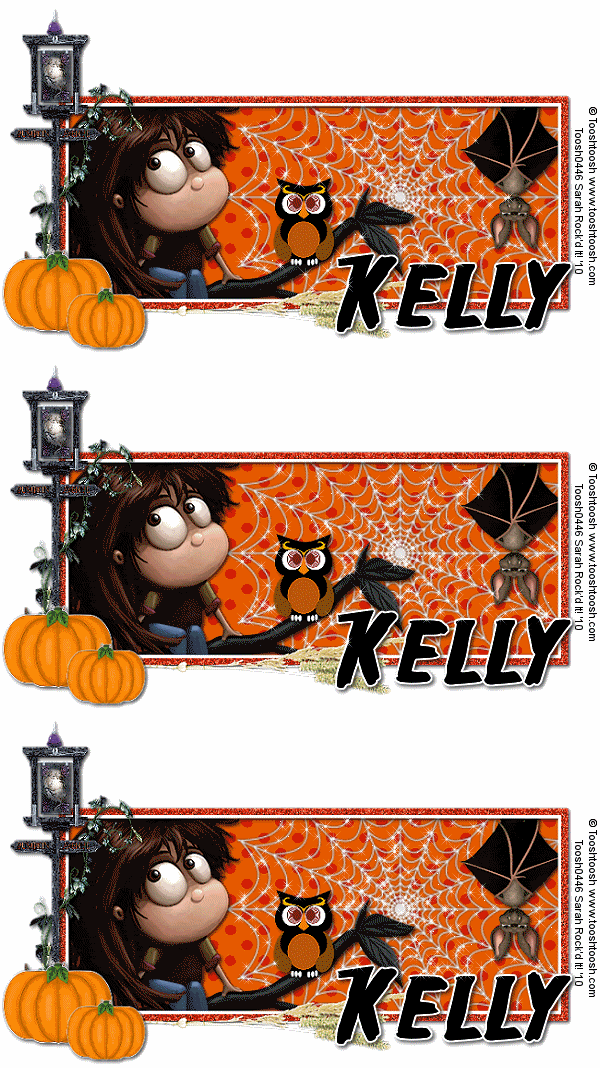
I made this tag with her Pumpkin Patch kit:
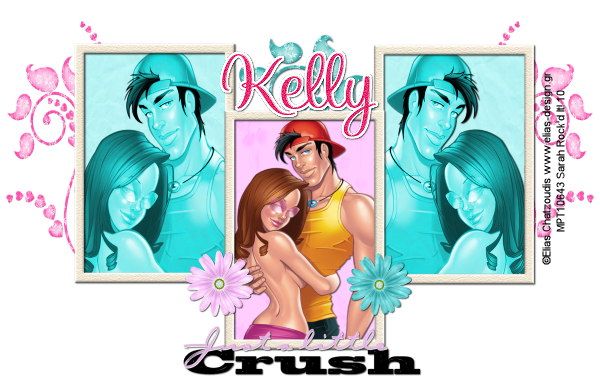
And I made this one with her Just a crush kit:
Both kits are fantastic!!
Thanks so much Kelly :)
Till next time folks!!
XoXo
♥-Gorjuss Sunflowers-♥

For this tutorial, you’ll need a working knowledge of PSP.
I’m using PSP 9 but any version should work.
This tutorial is my own and any resemblance to any other is purely coincidental.
Supplies for this tutorial:
PSP (any version)
Scrap kit of choice.
I’m using the PTU kit: Sunflowers by Angel’s Designz.
You can get her kits here: http://angelsdesignz.blogspot.com/
Tube of choice: I’m using the wonderful work of Suzanne Woolcott.
This is a tube you MUST have a license to use. Don’t use her tubes without a license!
You can find them here: http://www.gorjussart.com/store/
On to the tut!!x
Open a new canvas--I go bigger with 800x600 (you can always crop later)
Open a frame from the kit--I used the circular frame 2.
Copy & paste into your canvas--resize to your liking (I used my raster deform tool)
Open your tube-Copy and paste into your canvas. Position in the center of your frame.
Go back to your frame layer--Duplicate, and move this layer above your tube layer.
Erase any part of the top frame that is covering your tube’s face or head.
Now click your tube layer and erase any part of your tube sticking out of the bottom.
Open one of the sunflower doodles ( I used the sunflower doodle 2)
Edit>copy>paste into your canvas on top of the top frame layer.
Resize and position to the right.
(If you have any part of the doodle covering the face of your tube, simply duplicate the doodle layer,
Move it below your tube layer, go to the top doodle layer and erase anything covering your tube’s face)
Open one of the grass elements from your kit-Copy>paste into your canvas>Resize and place beneath your flower doodle layer.
Open Branch 1-Copy & paste into the canvas on top of the frame layer.>Resize and add drop shadow.
Open one of the bows from the kit. Copy/Paste/Resize and place overtop of the Branch element.
Add your drop shadow.
Open one of your butterflies from the kit. Copy/Paste into your canvas.
Image>Mirror so it’s facing to the left.
Resize and place in the upper right of your tag.
Use your raster deform tool to tilt it to your liking.
Grab a paper from your kit. Edit>copy
Select your BOTTOM frame layer . Use your magic wand to click inside it.
Selections>Modify>Expand by 3
Add new raster layer
Edit paste INTO layer.
Move this paper layer below your frame layer.
Add a drop shadow to all the layers that you haven’t yet.
Now you can crop your tag to whatever size you want.
Add your copyright info and your name.
Save it and you’re finished!
Thanks for doing my tut! Hope you enjoyed it.
Tuesday, October 5, 2010
Gorjuss Vinyard
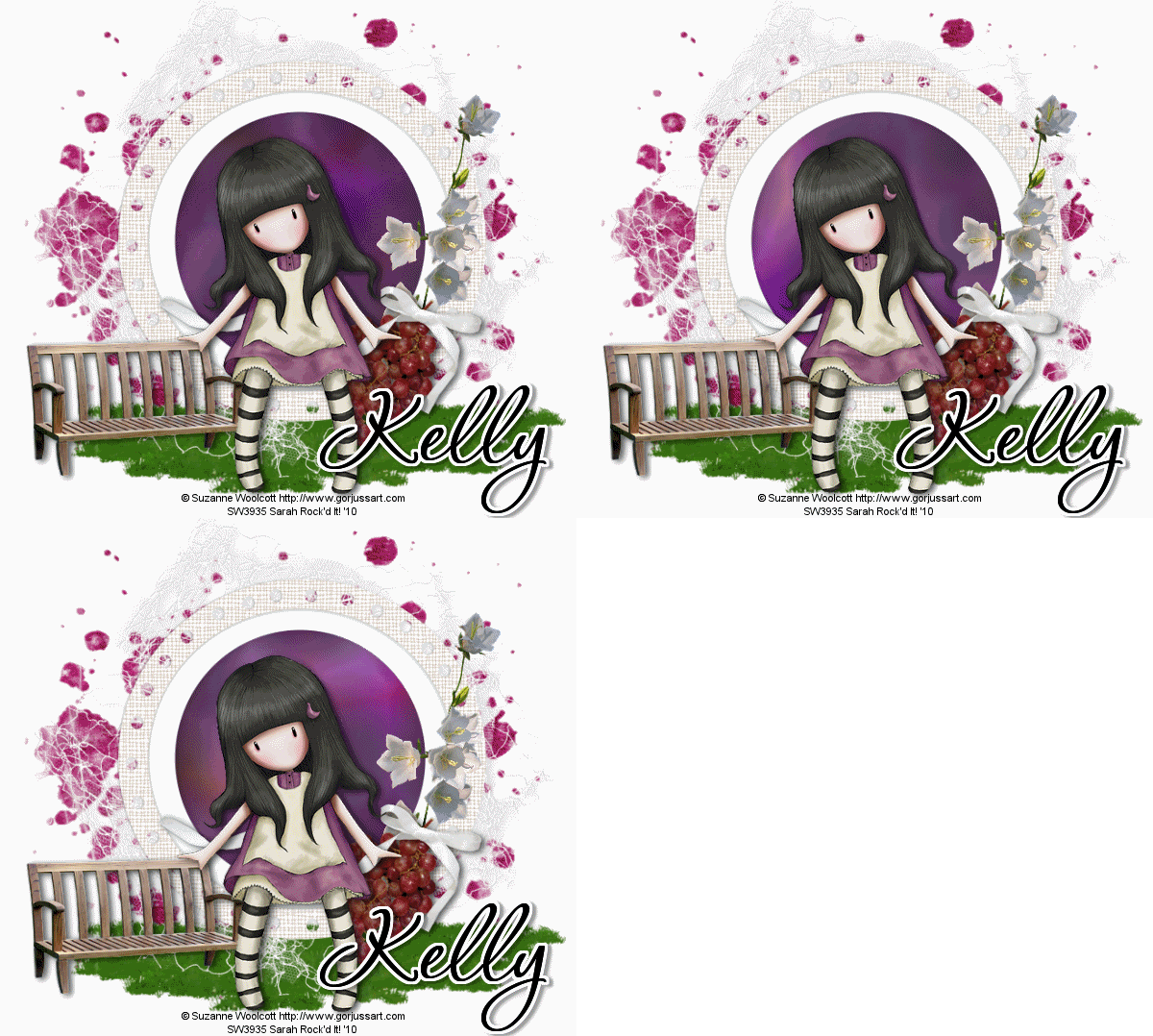
Hello all!! Wanted to share with you what I made with one of Kelly's newest kits, The Vinyard.
Hop on over to her blog HERE to see this beautiful kit,
as well as get info on where you can buy it!!
Thanks Kelly, this kit is GORGEOUS!!
(or in this case, GORJUSS..haha)
Here's the tag I made with this kit:
You'll love this kit!!
For those of you that stop by for tuts, I am sorry.
I have been slacking! Lol..
Lots of family issues we're dealing with right now.
I hope to have new tuts soon as well as some new freebie clusters & other goodies soon!!
Till next time friends!
XoXo
Sunday, October 3, 2010
DVA-Tag
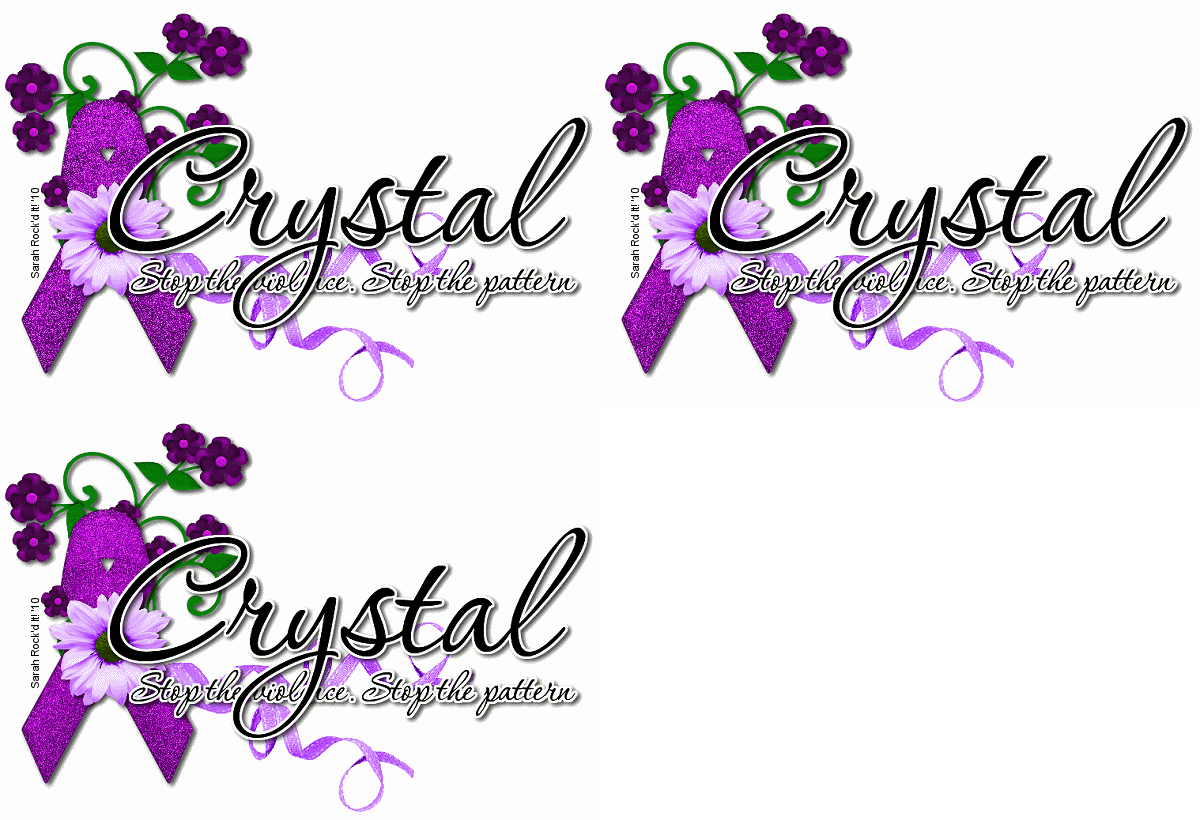
October is Domestic Violence Awareness month.
Crystal from Crystal's Creations has a PTU kit for this cause.
I used it to make a name siggy.
I love the purple in this kit!!
Check out her blg HERE for her freebies.
And one store she sells at HERE for her kits.
Thanks Crystal for this kit! I thought of a few very special people when I made this tag.
XoXo
Toxic Love Set
Heller, heller again! lOl..
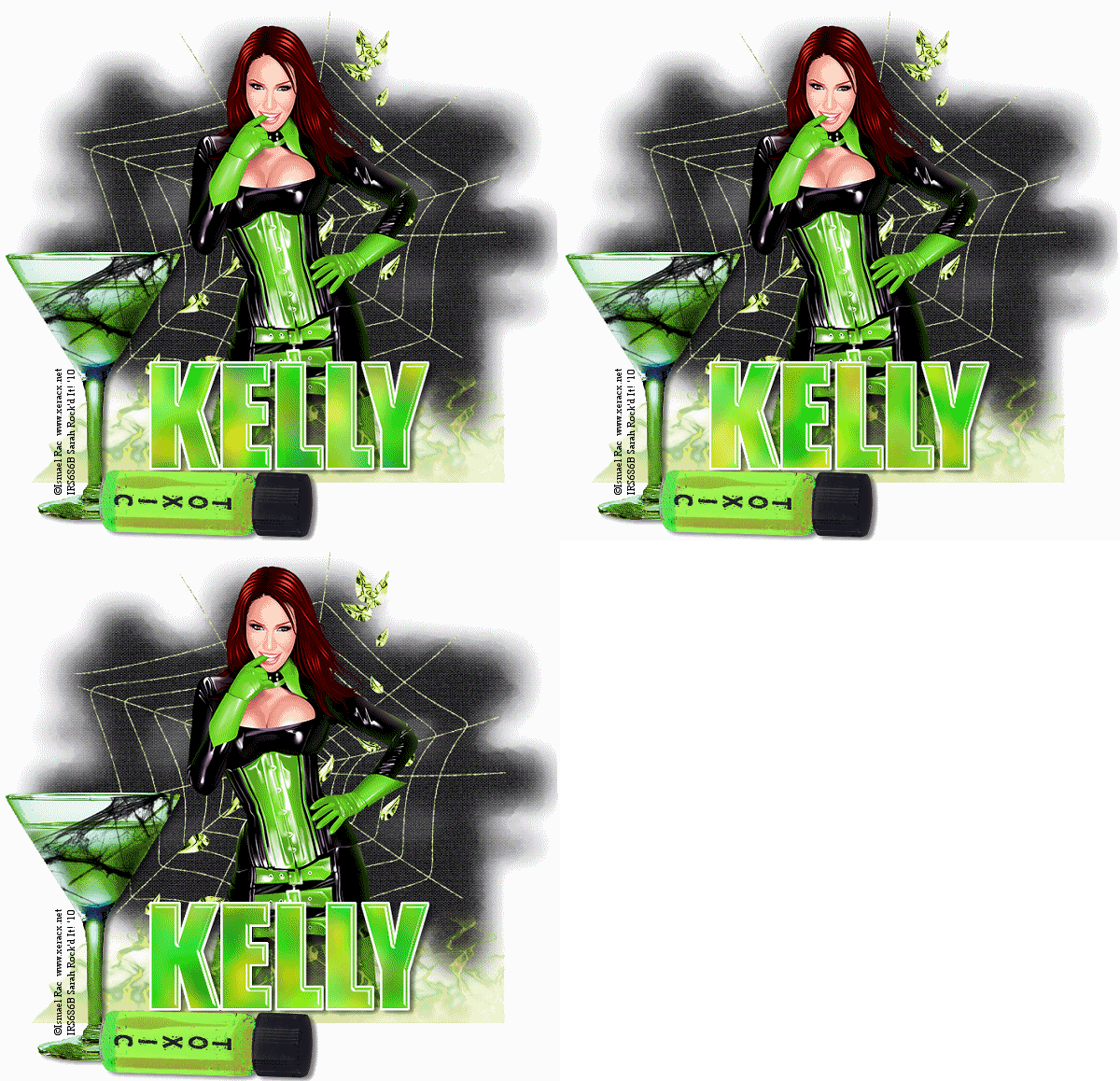
Wanted to show off this 3 piece set I made for Kelly over at Angel's Designz.
I used one of her newer kits called Toxic Love to make these tags.
You can find it & all of her new kits & her freebies HERE
Here's the set i made:


Wanted to show off this 3 piece set I made for Kelly over at Angel's Designz.
I used one of her newer kits called Toxic Love to make these tags.
You can find it & all of her new kits & her freebies HERE
Here's the set i made:


Be sure to check out her blog--She has DAILY freebies!!!
Thanks for coming by!!
XoXo
Subscribe to:
Posts
(
Atom
)


